Understanding how the YouTube algorithm works isn’t going to make you a YouTuber overnight, but it can seriously stack the deck in your favour.
“YouTube’s algorithm is a system that recommends videos to users based on what they watch, how they interact with content, and even when they’re most active,” Mahnoor Sheikh writes for Sprout Social. “Its goal is simple: keep viewers glued to the platform and watching more.”
We’re not just talking about learning how the algorithm itself impacts your visibility. You’ll also gain a deeper understanding of how to succeed with the actual human viewers all that data ultimately responds to.
Whether you’re starting your own channel or creating a portfolio to help secure paid content creation work, digging deeper into the algorithm makes sense.
JUMP TO
“The algorithm isn’t a gatekeeper,” Uttaran Samaddar writes for software platform VidIQ. “It’s a matchmaker trying to connect your content with people who’ll love it.”
It does that by:
- Showing your content to a small batch of users
- Tracking how they reacted to it
- Using those findings to promote your content to those likely to enjoy it
Ultimately, the algorithm determines if and where your content shows up on home pages, in search results, and among suggested videos. Key ranking signals identified by VidIQ cover:
Engagement
- Click-through rate (CTR)
- Watch time and average view duration
- Session time
- Active engagement (likes, comments, shares, saves, and subscribes)
Satisfaction
- Repeat viewing
- Survey responses
- “Not Interested” clicks
- Session continuation
Relevance
- Metadata (title, description, tags, and captions)
- Spoken words
- Objects and scenes on screen
- Text overlays and graphics
Channel context
- What do previous videos cover?
- Which audiences engage with your content?
- How consistently do you post in a specific niche?
YouTube itself also underlines the importance of user preferences, highlighting watch history and interest affinity.
Increasing click-through rates
Click-through rates (CTRs) show how often viewers watched a video after seeing its thumbnail (the small image that appears in searches under a video’s title).
Since Shopify ranks CTRs as very important among ranking signals that impact the YouTube algorithm, exploring how to optimise thumbnails and titles is a smart move for any creator.
Thumbnails
“Thumbnails on YouTube matter so much,” says popular YouTuber Tom Scott. “Time after time after time, it is proven that the thumbnail and the packaging is really important.”
Proven strategies include:
- Using a couple of bright and contrasting colours
- Adding three to five large and readable words that complement the title
- Adding human faces with emotional expressions
- Piquing curiosity by including a tantalising hint of what’s to come
Titles
Titles and thumbnails should work together, since viewers see both at the same time. Improve yours by:
- Using 60 characters or fewer
- Adding context not included in the thumbnail
- Offering specific outcomes or information
Mr Beast (currently the most subscribed YouTuber in the world) is a master when it comes to using thumbnails and titles. You’ll notice each of the best practices listed above working to make you click this video.

Keeping viewers watching
Too many creators focus solely on the number of views each video attracts, but the algorithm is more concerned with average view duration (AVD), or the average minutes watched among those who stayed to watch.
“Average view duration tells YouTube whether your video keeps people interested,” Andy Davidson writes for TubeBuddy.
A low AVD means viewers quickly clicked away. A high AVD signals content that’s valuable and compelling enough to keep people watching.
Keep yours high by:
- Using strong hooks in the first 15 seconds to engage viewers right away and give them a reason to keep watching till the end
- Keeping visuals dynamic with some quick edits, camera angle changes, B-roll, or animated text
- Cutting out any fluff or waffling
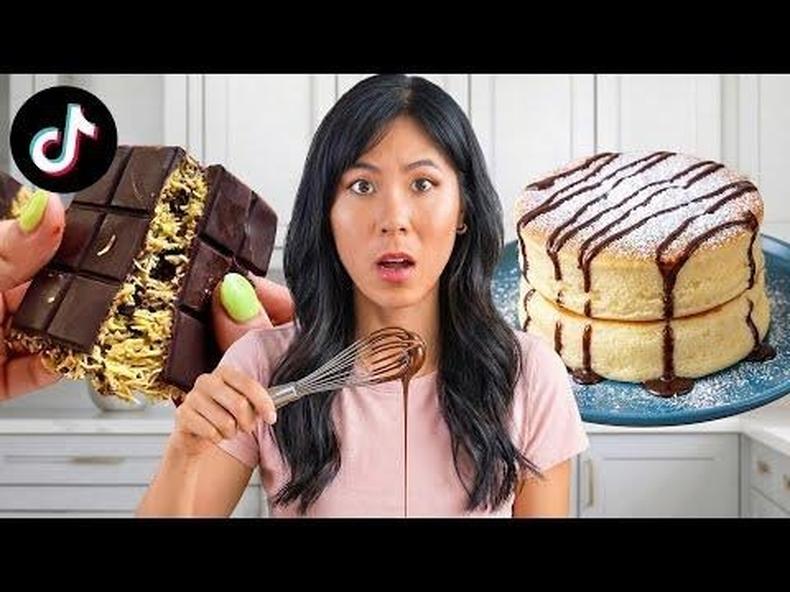
Take a look at the first 15 seconds of this Honeysuckle video to see those tips in action.
Prompting active engagement
As pointed out by Kolsquare’s Marsha Dunn, “satisfaction signals” (such as likes, shares, and comments) are now weighted more heavily by the YouTube algorithm.
As such, creators hoping to get more views on YouTube should encourage viewers to engage with content rather than simply watching it.
Best practices include:
- Replying to comments
- Asking questions of your audience (replace the generic “leave a comment below” with something relevant to the video)
- Pinning particularly engaging comments
- Hearting comments
- Enabling your channel’s Communities feature
- Asking your community for new video ideas
Requesting likes and shares directly is fine if it’s done after delivering value – never interrupt those vital first 15 seconds – and even better when you express your appreciation and explain why that engagement helps.
Take a cue from one of SophDoesLife’s videos:
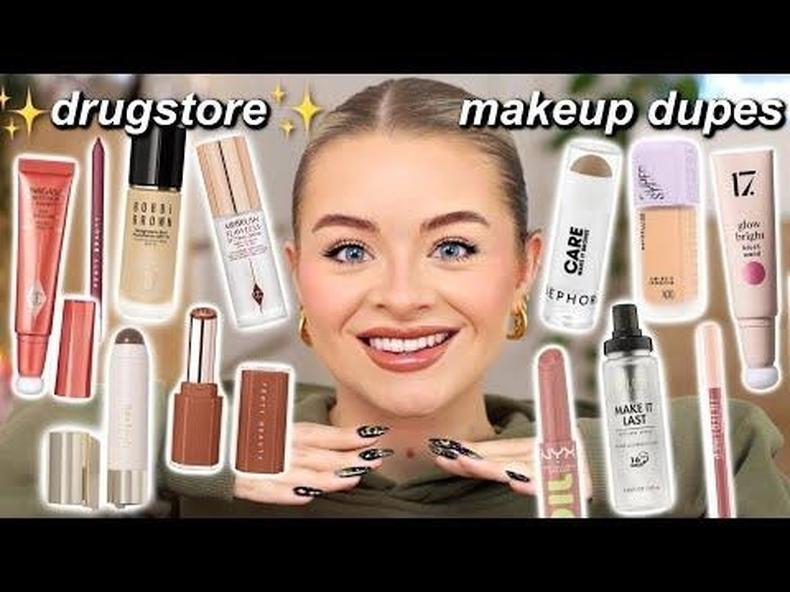
Scroll to the comments, and you’ll notice plenty of hearts and responses. Skip to the last 30 seconds, and you’ll find her asking questions for viewers to answer in the comments and politely requesting a thumbs-up to “help me somewhere in the algorithm.”
Hitting a specific niche
“Trends consist of many videos created by many fandoms, and there are more micro-trends enjoyed by diverse communities than ever before,” according to a 2025 YouTube blog post.
That makes focusing on one area more important than ever. “If your YouTube channel focuses on a clear niche with repeatable formats, your signals compound and your uploads build upon each other,” Samaddar writes.
Instead of thinking about how to go viral on YouTube, focus instead on making your YouTube videos a hit within targeted communities and well-defined niches. Extremely niche yet successful channels include:
- Ordinary Sausage: Creates sausages from wildly unsausage-like ingredients
- Steve1989MRE: Opens and reviews military field rations
- Townsends: Covers “18th century living, cooking, clothing, and much more”
Found your niche? Great – now do everything possible to help YouTube categorise that content by optimising your metadata.
That means:
- Adding chapter breaks to each video
- Enabling or adding transcripts
- Including keywords in titles, descriptions, and spoken content
- Adding relevant tags
By doing the above, you’ll tell the algorithm who the content is for and benefit from a 2026 algorithm update that places greater emphasis on keyword relevance within videos.
YouTube expert Dan Carson singles out The Organic Chemistry Tutor’s success in this regard.
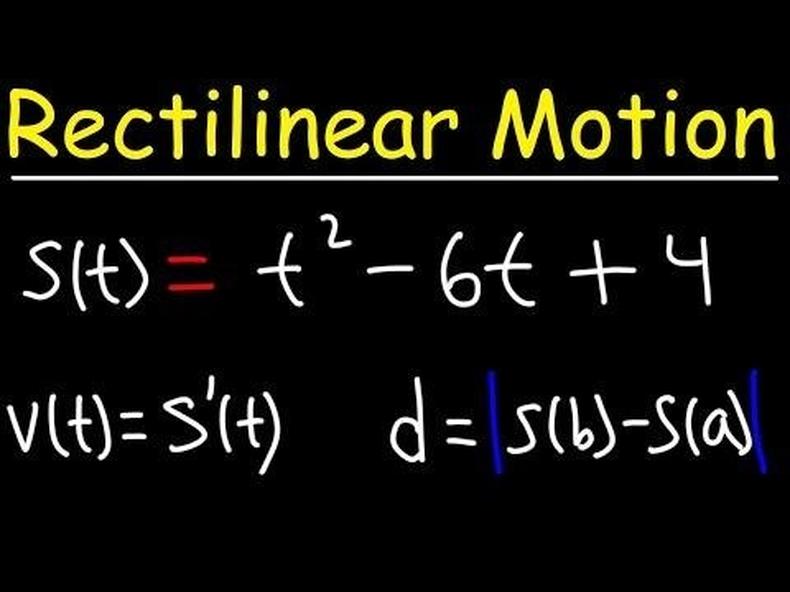
“The subject matter is genuinely hard, but every title is completely plain,” Carson says. “‘How to find the domain of a function.’ ‘How to solve quadratic equations.’ … The algorithm never has to guess who it’s for. The result is over 10.5 million subscribers in one of the most technically demanding niches on the platform.”
Increasing session length
“Session contribution measures how much your video extends the average YouTube session,” Samaddar writes for VidIQ. “This is now the leading signal the long-form recommendation model optimises for, ahead of raw average view duration.”
Don’t focus solely on keeping viewers watching to the end of your video; think about how you can encourage them to keep watching beyond.
You can:
- Use end screens and clickable links to direct viewers to related content
- Create playlists of related videos
- Maintain a consistent visual style so people can instantly recognise and click on your content in their suggested videos
- Produce a series of videos that covers the same area with new info
Check out this Visual Venture video to see what we mean.

His end screen features links to his channel and Darkest Internet Documentaries playlist (plus a quick CTA for each), and he uses a consistent thumbnail style across his content.
Common reasons include:
Unlabelled AI
YouTube is getting serious about AI videos that aren’t identified as AI. A 2026 YouTube crackdown removed around 130,000 AI spam channels in just six months.
Creators must post AI content transparently by categorising it as “Altered or Synthetic.” Failure to do so can result in algorithmic suppression.
Poor feedback
“Feedback options such as ‘not interested,’ dislikes, and user reports act as negative signals for YouTube’s algorithm,” Alexa Collins writes for Shopify.
Tips to avoid negative feedback include:
- Matching titles and thumbnails to your video (aka, no clickbait)
- Exploring comments to understand and address dissatisfaction
- Focusing on a fixed audience instead of attempting to target everyone
Violating community guidelines
Content that breaks YouTube’s community guidelines is removed from the site, robbing the algorithm of valuable data while negatively impacting your ability to earn money from YouTube. Potential restrictions short of removal include:
- Age: Inappropriate content may be invisible to under-18s, logged-out viewers, or those in Restricted mode, giving the algorithm a much smaller audience to send your way.
- Limited features: Borderline violations may disable sharing, commenting, or liking.
- Making private: Videos with misleading metadata may become invisible to the public. In other words, they’ll be hidden, unsearchable, and watchable only after the creator sends an invitation.