Head of Instagram Adam Mosseri describes broadcast channels as “a direct line to the people who are the most excited about what you do on Instagram.”
What does that actually mean, and how can an Instagram broadcast channel help turn you into an Instagram influencer?
By “direct line,” Mosseri essentially means a one-to-many messaging tool. It’s like a big group chat that goes straight to a channel member’s inboxes, but only you can send messages.
Available for public accounts with more than 1,000 followers, they let you send:
- Text messages of up to 1,000 characters
- Video messages of up to 60 seconds
- Voice notes of up to 5 minutes
It’s an ideal tool for interacting with members, boosting your Instagram engagement, and potentially turning more users into followers.
Let’s dive into how channels work and how you can make the most of them.
JUMP TO
IG broadcast channels allow creators to “directly engage with their followers at scale.”
Set one up (we’ll cover how below) and you can send out messages using:
- Text
- Photos
- Videos
- Voice notes
- Polls
Anyone who joins – and that may include both followers and non-followers – gets messages sent right to their inbox, so you’ll bypass the algorithm altogether and won’t need to worry about things like adding hashtags to your IG posts or including captions on your Reels.
Members get a message chain just like this one Mark Zuckerberg used to announce the service.
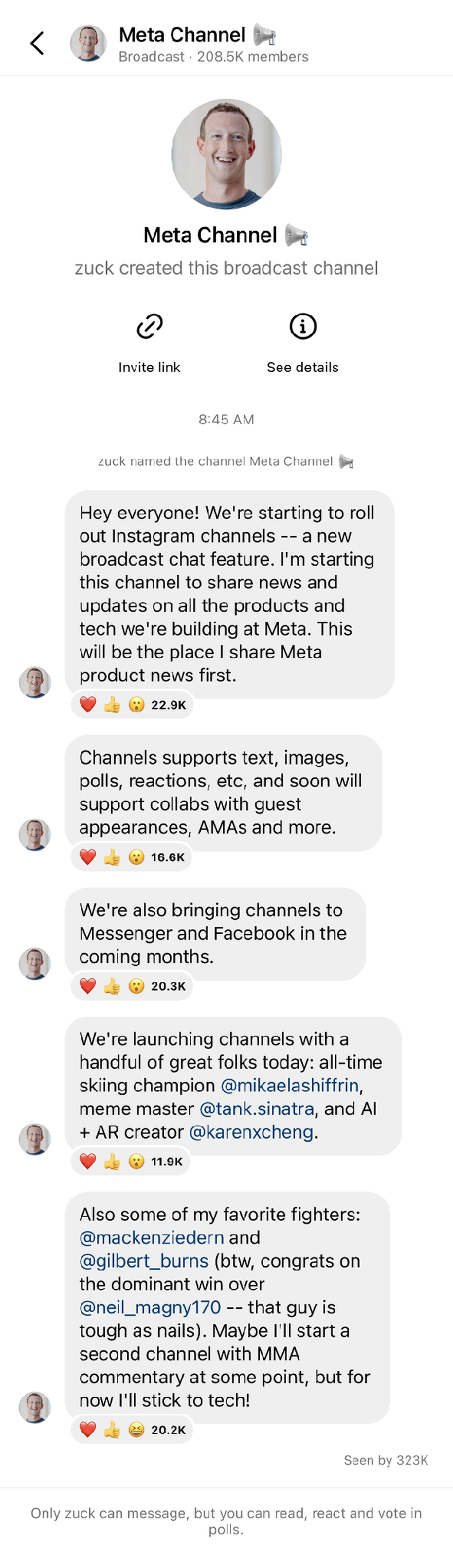
Fans could only participate by liking and reacting back then. They still can, but creators can now encourage more direct engagement via:
- Replies: Fans can respond to select messages and with each other, with all replies nested within your original message to keep topics organised.
- Prompts: Use Q&As and daily check-ins to create some buzz and kickstart conversation on a particular subject. Members have up to 24 hours to respond with text or photos and like their favourite responses.
- Polls: Type out a question, add some custom choices, then let members vote anonymously. Great for crowdsourcing ideas and gauging interest in potential projects.
IG broadcast channels have some key differences from other Instagram features.
DMs
DMs are designed around back-and-forth conversation for one-on-one or small group interactions, while channels are for one-to-many announcements and updates.
As public and discoverable experiences, channels are subject to community guidelines and review. Avoid posting policy-breaking content and delete any in your replies (up to four moderators can be appointed to help).
Close Friends
Close Friends is a private tool for your inner circle, while broadcasts are public tools for mass audiences.
Stories
Instagram Stories also focus on existing followers, but they’re shown at the top of a profile’s main feed for only 24 hours. Channels are direct-to-inbox and can last forever.
Start by putting your account into Creator Mode if it isn’t already.
- Open your profile.
- Tap the menu icon in the top-right corner.
- Go to “Account type and tools.”
- Select “Switch to professional account,” and then choose a category that best sums up what you do.
- Tap “Switch to professional account,” and then choose “Creator.”
- Tap “Next.”
Now set up your broadcast channel on the app through IOS or Android:
- Tap the “Messages” icon at the bottom of the app.
- Tap the “Compose” icon in the top-right corner.
- Tap “Create channel.”
- Enter channel name.
- Choose how long your channel will last.
- Choose to show your channel on your profile.
- Tap “Create” at the top right.
Find your channels in the app by tapping “Messages,” then “Channels.” Current followers receive an invite once your first message is sent. After that, you can:
- Add “join channel” stickers in Stories.
- Create an invite link members can share themselves.
- Tap the channel name to create a QR code for people to scan.
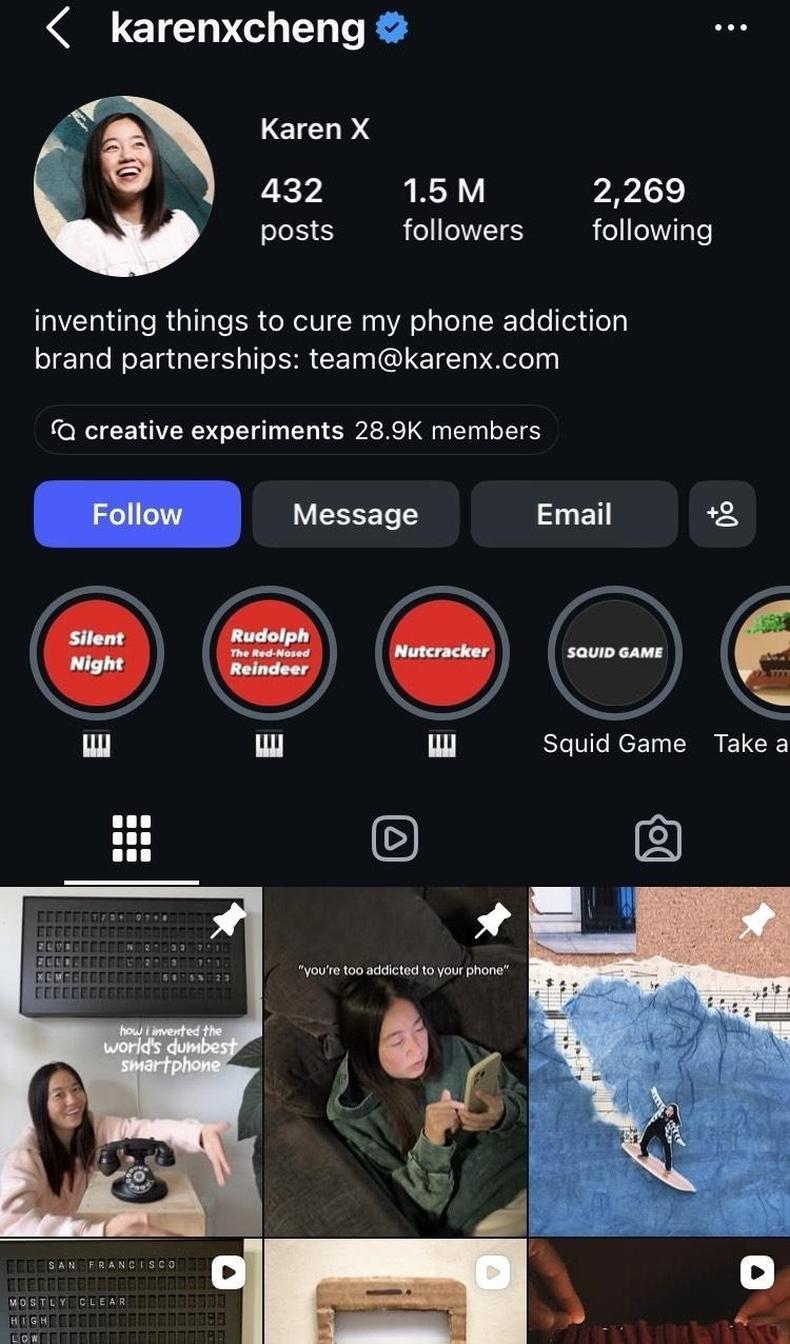
- Pin the channel to your profile so new followers can easily join (as you can see Karen Cheng has done below).
1. Personalise your channel.
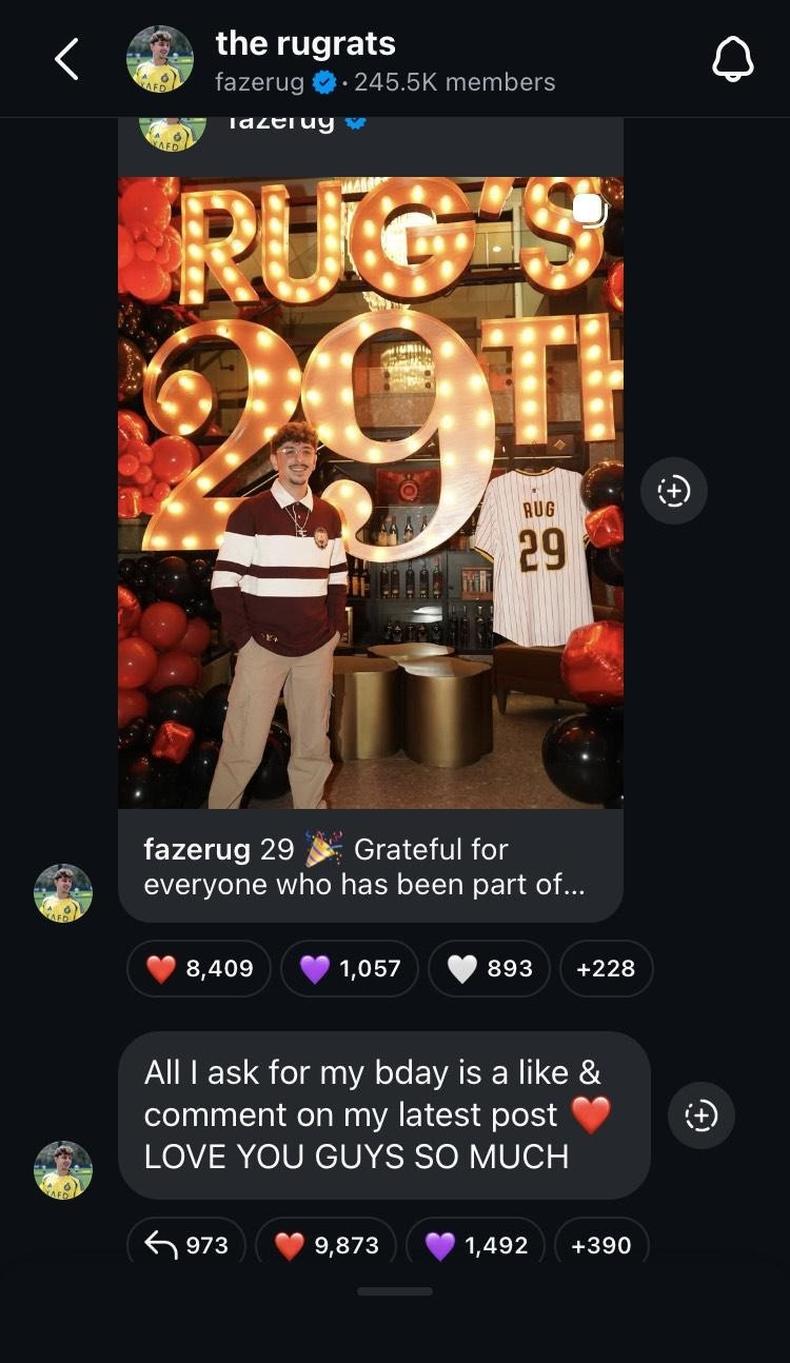
Plenty of creators stick to the default “[Instagram handle] + channel” to come up with a name. That’s fine, but a dash of creativity can better define the group and make it truly feel like a community.
Fazerug, for example, dubs his 245,000-strong channel The Rugrats, a moniker reflective of the affectionate way he speaks to members like they’re a group of friends.
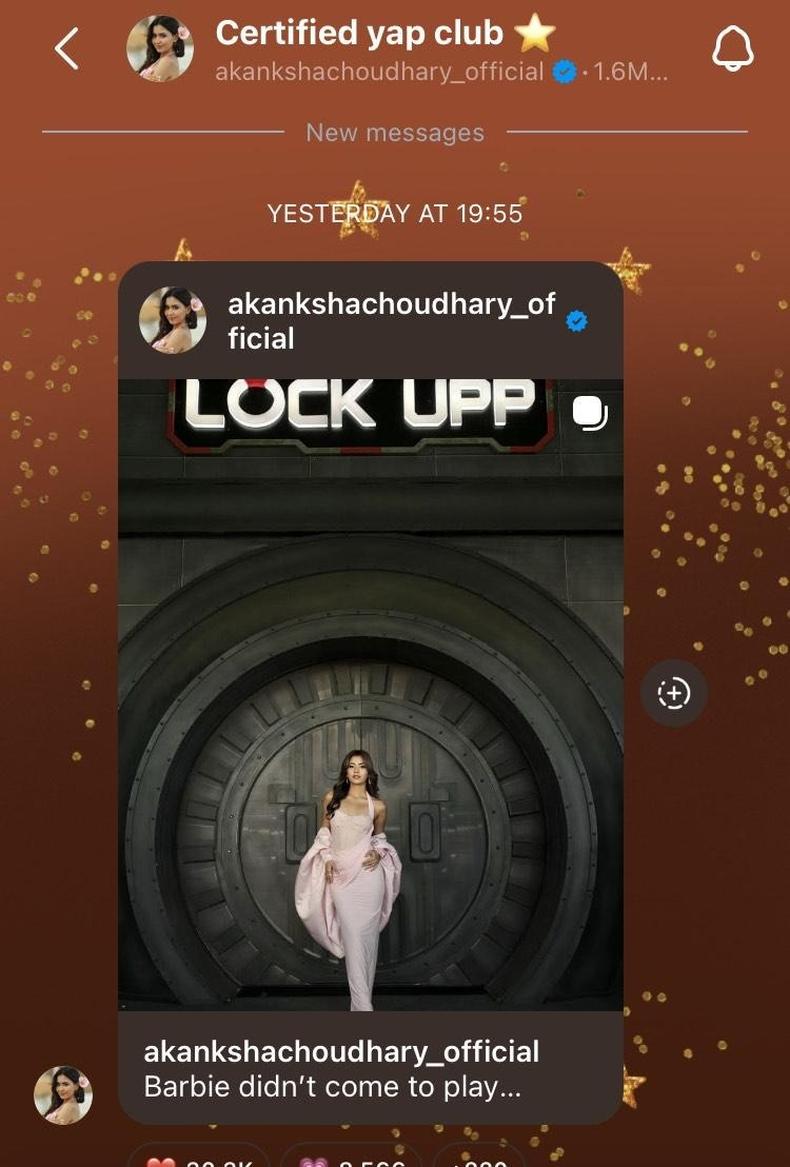
Akanksha Choudhary’s 1.6-million-member channel is among Instagram’s biggest, but the name Certified Yap Club ⭐ keeps things feeling casual while a custom background instantly sets it apart.
2. Decide on a goal and track your progress.
“Set a goal for your channel and we’ll give you specific actions to help you achieve it,” says an Instagram blog post.
Metrics such as the total number of interactions, shares, and poll votes let you track how channel content is performing. Decide exactly what yours should be doing, and then check regularly to ensure that’s happening and receive tips from Instagram to help nudge things in the right direction.
Want to build the type of engagement that’s valuable when you’re pitching for paid user-generated content (UGC) work? Replies, reactions, and poll votes are going to be important.
Using your channel to notify members about your latest soon-to-be-viral Instagram Reel? Shares are likely to be your main metric.
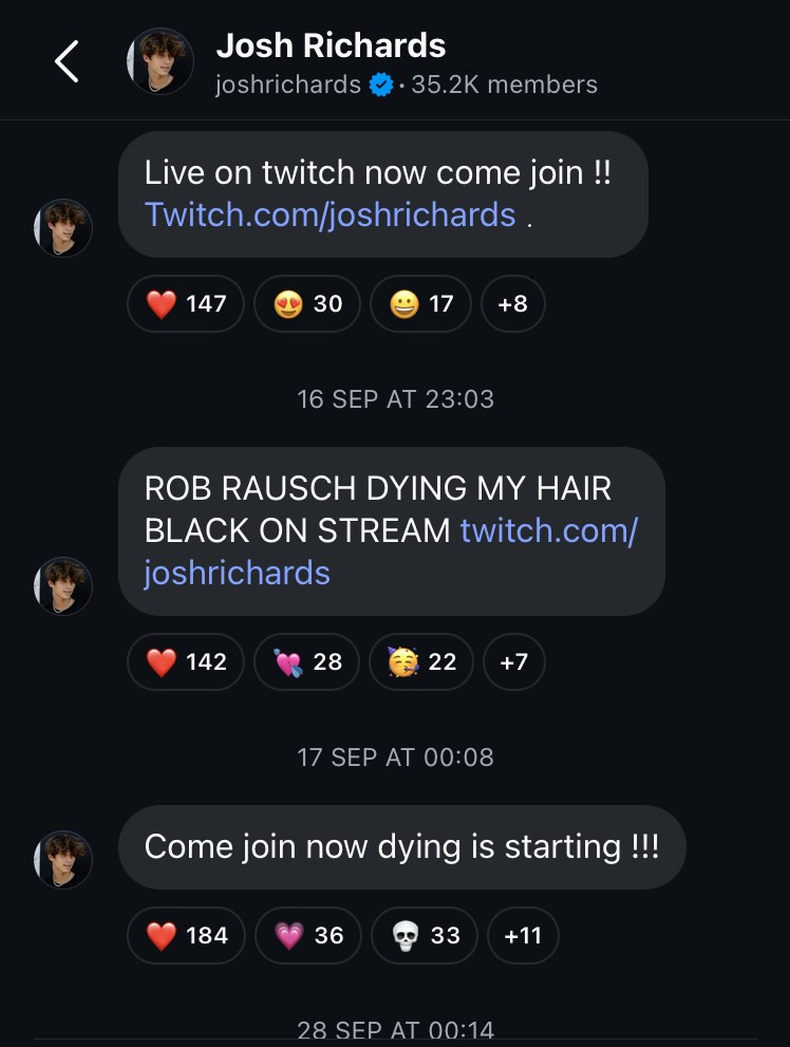
Goals also help to focus messaging and set member expectations. Streamer Josh Richards uses his channel almost exclusively to bring members over to Twitch when he goes live. Richards has something clear to track, and members know exactly what they’re getting.
3. Give incentives (and keep giving them).
Followers join your channel only when you give them a reason. In an ideal world, they’d be subscribing for your thoughts first and foremost, but incentives may encourage them to stick around since they can leave or mute your channel whenever.
“The idea is to make your subscribers feel like VIPs who get extra value from being part of your channel,” according to social media management platform Loomly. “It’s a great way to keep them engaged and coming back for more.”
Mosseri recommends naming and referring to your channel “in a way that makes it clear what people are going to get if they sign up.”
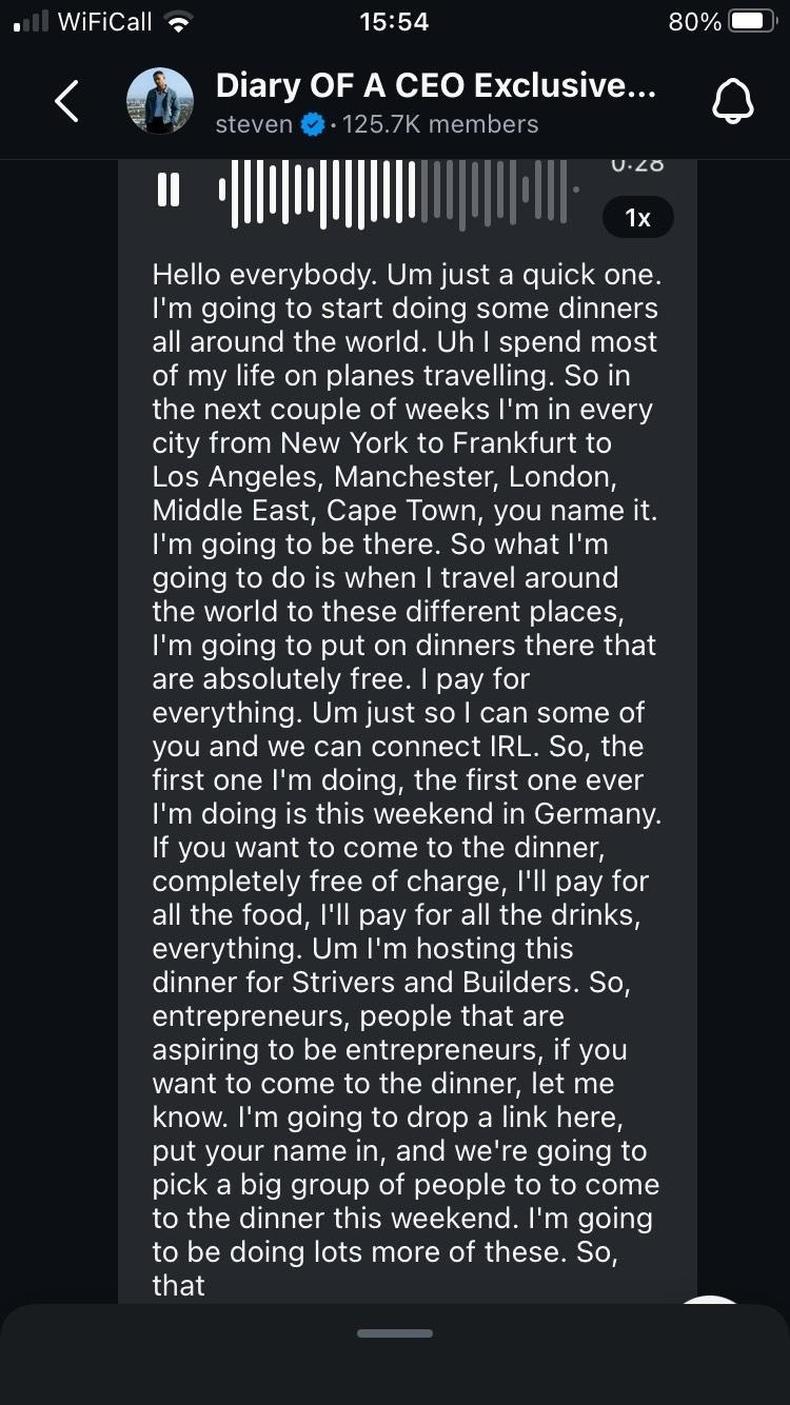
For example, Steven Bartlett’s channel, Diary of a CEO Exclusive Club, brings frequent exclusive offers that make it feel like an elite club, including dinner with the man himself.
Other potential perks include:
- Early access to products
- Exclusive content
- Sneak peeks at what’s coming
- Behind-the-scenes glimpses at your process
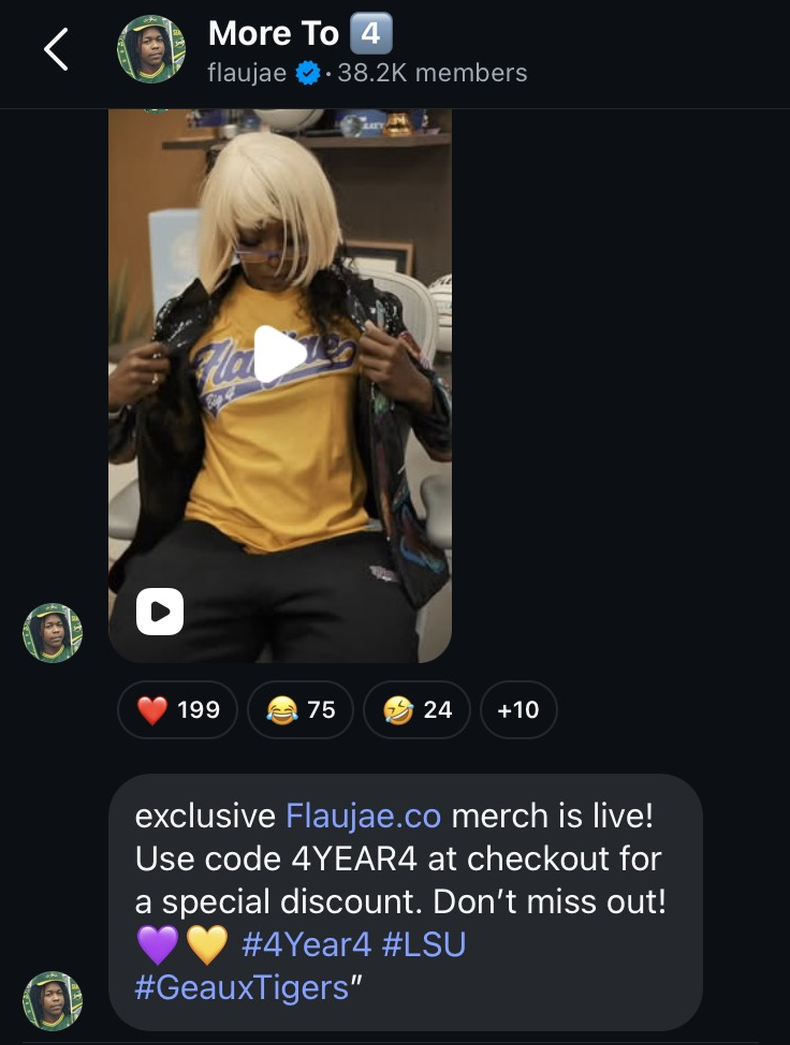
- Discounts (as WNBA star Flau’jae Johnson offered below, giving channel members VIP treatment while making sales)
Of course, even the most glittering giveaways won’t keep a channel live and kicking if you’re always going dark. Instagram says creators who message at least three times a week see higher member retention, so consider that a good baseline.
4. Encourage participation.
Engaged channel members actively interacting with your posts feel more connected to the community, so turn lurkers into participants through replies and prompts.
“Whether you’re asking fans to share their restaurant recommendations or just a small moment from the day, prompts keep your channel feeling collaborative,” notes Instagram.
Even standard posts foster a communal atmosphere when you ask questions and encourage a simple thumbs-up or thumbs-down.
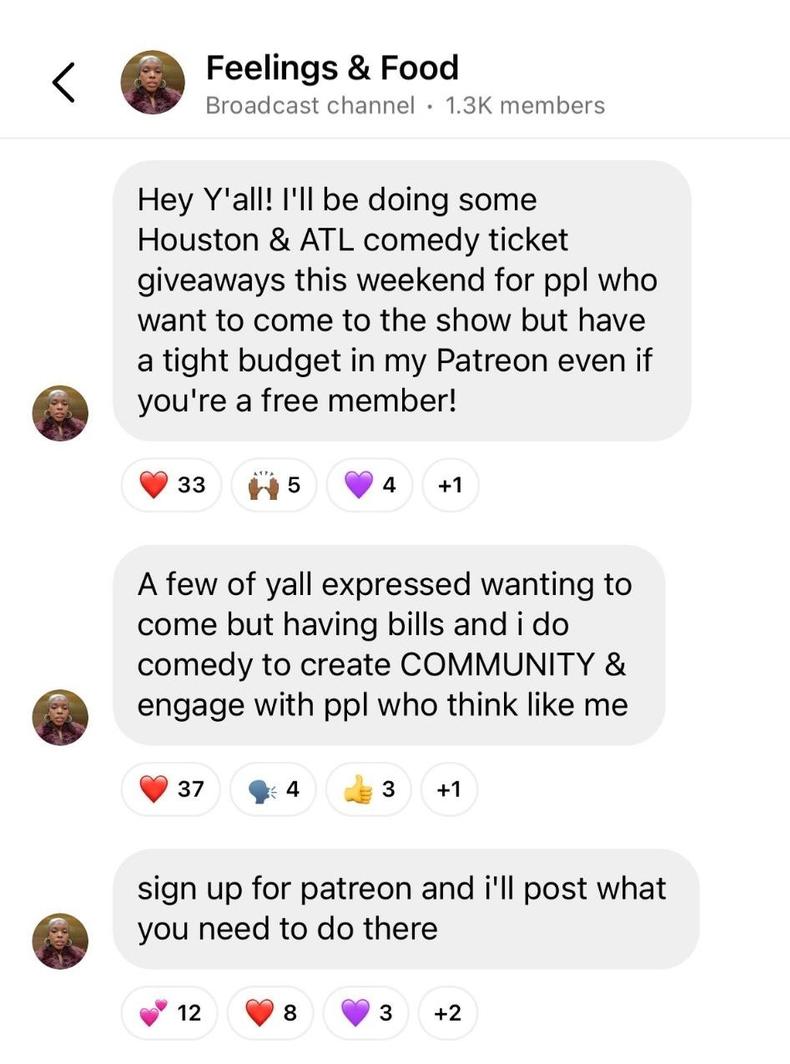
Responses may prove useful in unexpected ways. LA-based comedian Jazmyn W posted, “I’m on tour right now. Y’all coming? Why or why not?” A lot of fans around Houston and Atlanta wanted to attend but said they couldn’t afford tickets, so Jazmyn created a giveaway through her Patreon subscription service.
5. Stay conversational.
Kaleb Karnow, co-owner and producer of IMPAULSIVE with Logan Paul, urges creators to keep their channels feeling casual, especially when using them to earn money on Instagram.
“It should be a little bit more of a conversation. Think about what you actually send in your DMs to your friends,” he says. “Then it’s going to feel a lot more natural when you do end up promoting a product or you want them to actually go to a video and actually take action.”
Notice how alpine skier Mikaela Shiffrin follows that advice.
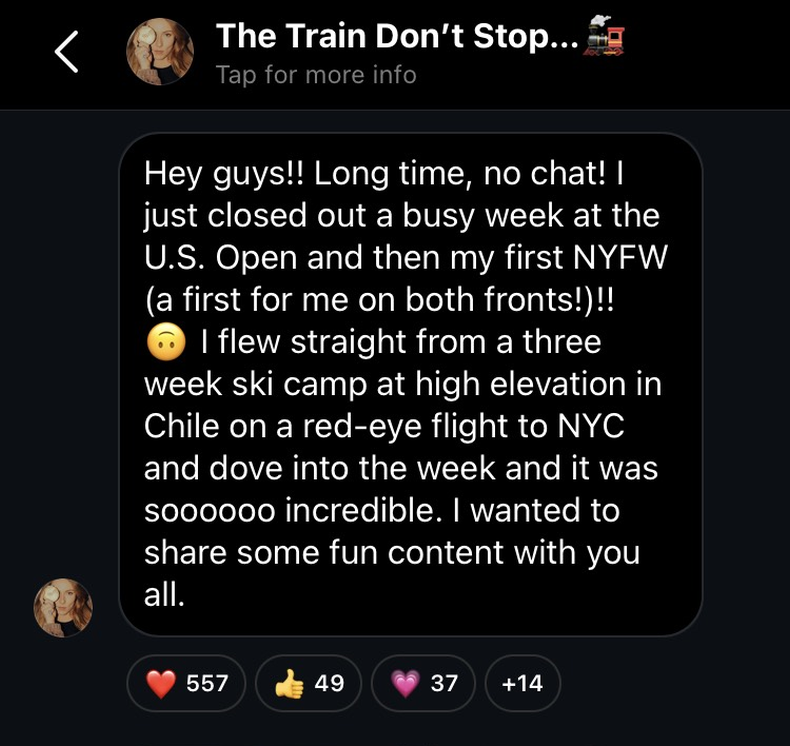
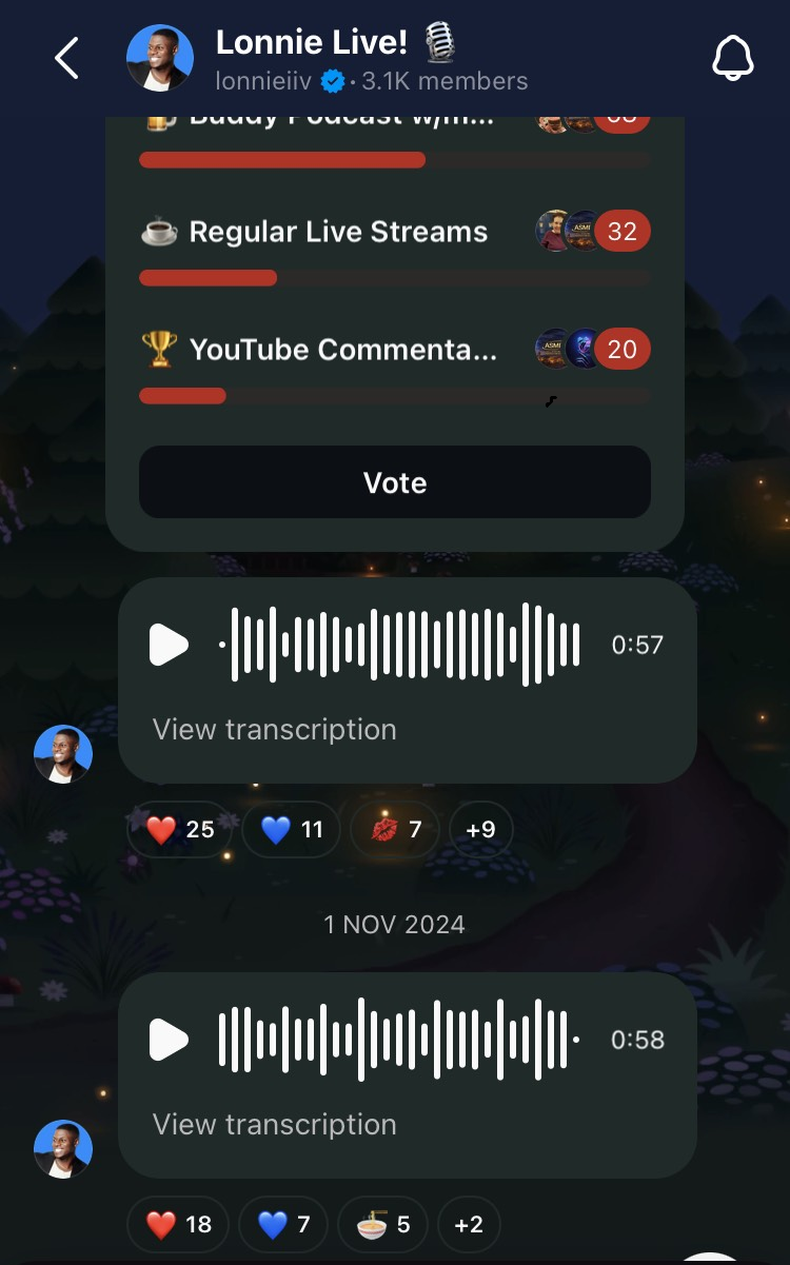
Voice notes are particularly good at making channels feel personal. Naturally conversational and associated with messages from friends and family rather than influencers and celebs, they can also be recorded on the fly with minimal time and effort.
Creators like Lonnie Marts IIV make liberal use of them.